Services:

How to Repair a Ceiling Fan Making Noise
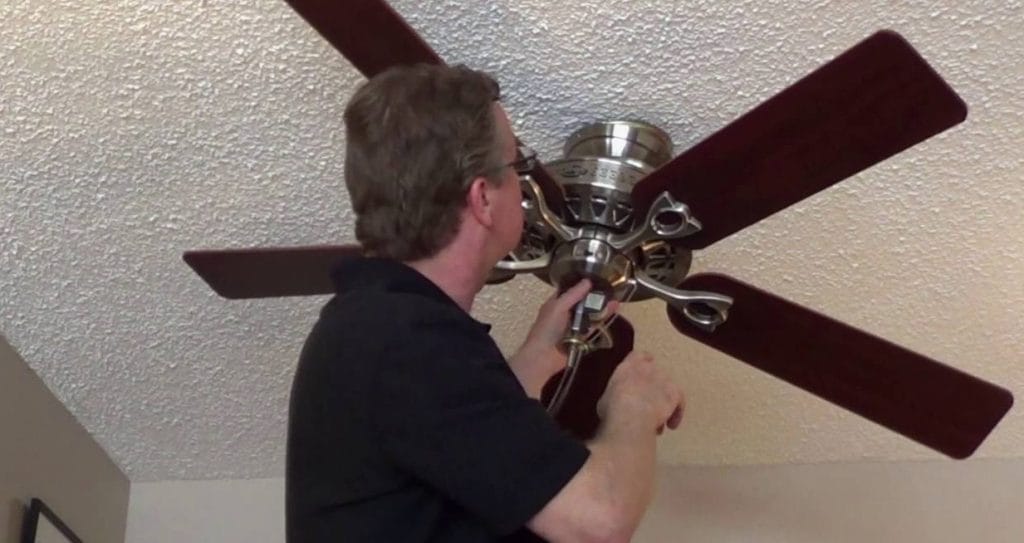
A noisy ceiling fan can disrupt your peace, disturb your sleep, and turn what should be a cooling breeze into an irritating hum. Fortunately, most ceiling fan noises can be fixed without calling an electrician. In this guide, we’ll walk you through the common causes of a noisy ceiling fan and how to repair them yourself.
Common Causes of Ceiling Fan Making Noise
- Loose Screws and Mounts
Over time, the screws holding your fan blades, motor housing, or light kit can loosen, leading to rattling or clicking sounds. - Unbalanced Fan Blades
Wobbly or uneven blades can cause a thumping noise or general vibration during operation. - Dirty or Dusty Components
Dust buildup on blades or inside the motor housing can cause imbalances or strange noises. - Motor Problems
A humming noise might indicate a motor that’s working too hard, often due to poor lubrication or electrical issues. - Worn Bearings or Parts
Older fans can develop worn internal components, especially if they’ve been used heavily for years.
Step-by-Step Fixes for a Noisy Ceiling Fan
1. Turn Off the Power
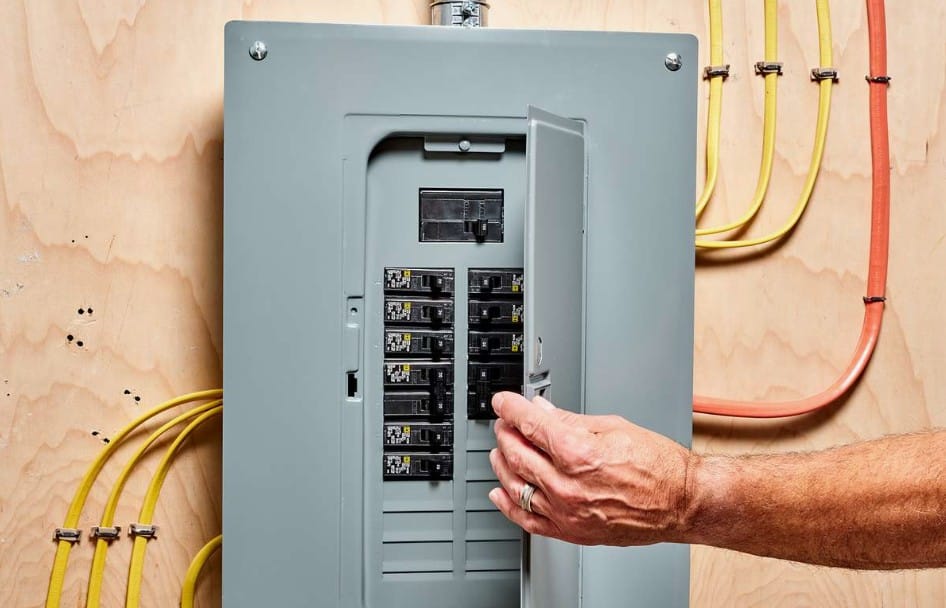
Before doing anything, ensure the power to the ceiling fan is turned off at the circuit breaker. Safety first!
2. Tighten All Screws
Use a screwdriver to tighten:
- Blade screws
- Light kit screws (if applicable)
- Mounting bracket to ceiling
- Motor housing screws
Even a small loosening can create significant noise over time.
3. Clean the Fan Thoroughly
Dust the fan blades and motor housing. Use a vacuum to remove any buildup around the motor vents. This helps balance the blades and reduces unnecessary strain on the motor.
4. Check for Blade Balance
An unbalanced blade can cause wobbling and noise. Use a fan blade balancing kit (available at most hardware stores) or try this DIY trick:
- Tape a coin to the top of each blade (one at a time) and run the fan.
- If the noise stops or lessens, that blade is likely the problem.
5. Lubricate the Motor (If Applicable)
Some older fan models have an oil hole on top of the motor. If yours does:
- Add a few drops of non-detergent motor oil.
- Spin the blades manually a few times to distribute the oil.
Note: Most modern fans have sealed motors and don’t need lubrication.
6. Check the Mounting
Inspect the fan where it attaches to the ceiling. If the mounting bracket is loose or misaligned, it could be vibrating against the ceiling and creating noise.
7. Listen for Electrical Humming
If you hear a steady hum:
- Make sure the fan is connected to a standard wall switch (dimmer switches not rated for fans can cause humming).
- Replace incompatible dimmers with fan-rated controls.
When to Call Neighborly Handyman Services
Not every noise is a quick fix—and that’s where we come in. If your fan still sounds off after a tune-up, the issue could be deeper in the wiring or motor. Don’t stress. Our trusted handymen in the St. Louis area are ready to diagnose the problem and repair or replace your fan safely and quickly.